
Making Sure Your Account is Secure - How To Change Your Password
By default, student E-mail accounts are given a password that consists of your initials and birthday. This is really easy to guess and makes it really easy for other students to log into your account, which you shouldn't do, but it has happened.
It's important to change your password to something more secure, which is something many students didn't do.
This can be done by navigating to your Google account (for your school email) and finding the password section. Navigating to change password should send you to this page. (You can also click this link directly, although if anything changes in the future going through Google should be more reliable.)
You should see a page that looks something like this:
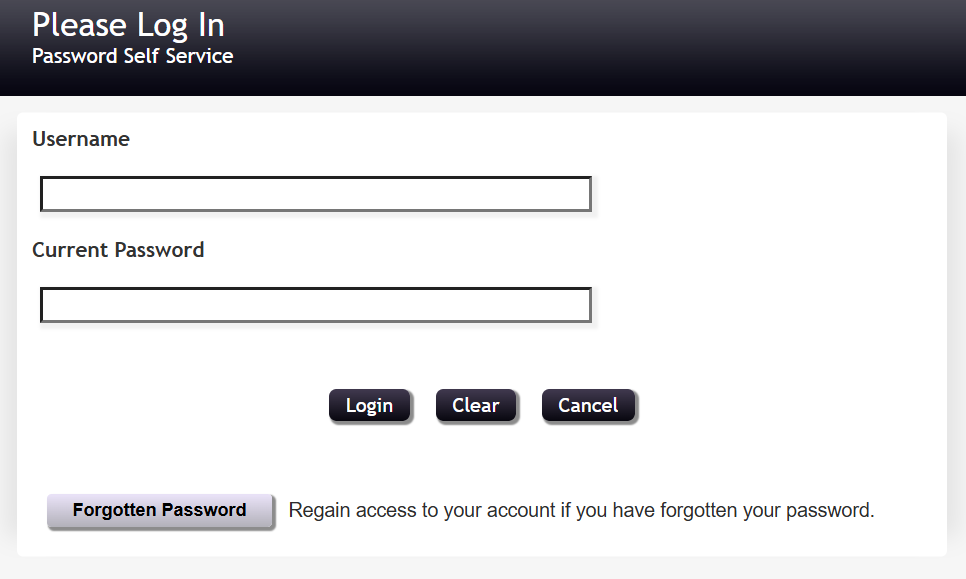
Log in using your school E-mail address, without the "@seq.org" part. (Just your student ID.) From there, changing your password should be straightforward. Keep in mind this should also automatically sync with your school laptop PIN/password. Don't choose something you might forget.
Additional Information
Some Windows/HP laptops given out by the school also support logging in with fingerprint recognition. This can be found in Windows settings under Accounts > Sign-in options.